

Rugged Laptop Reviews: What Actually Matters
A practical breakdown of secure laptop features for Czech professionals. We examine build quality, encryption capabilities, and real-world durability.
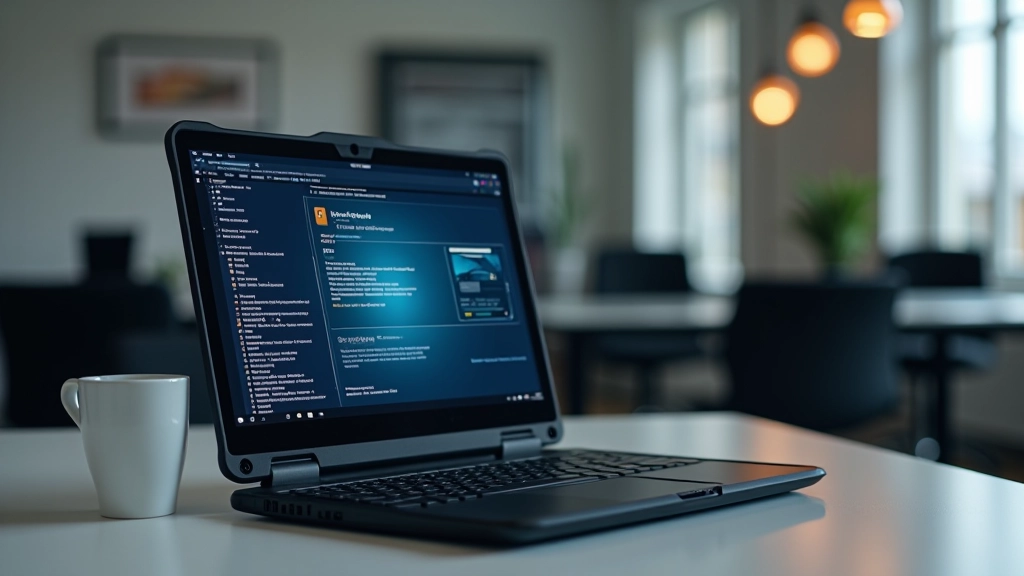
When you're looking for a laptop that can handle real work in demanding conditions, marketing hype becomes your enemy. We're not talking about glossy spec sheets here. We're talking about what actually keeps your device running when it matters most — durability, encryption, and reliability you can count on.
If you're a Czech professional who handles sensitive data or works in unpredictable environments, you've probably noticed the gap between what manufacturers claim and what laptops actually deliver. That's what we're fixing in this guide.
Build Quality Isn't About Aesthetics
This is the part where manufacturers get it wrong. They'll show you brushed aluminum and call it "premium." What you actually need is something different.
Real durability comes from specific engineering choices. Look for magnesium alloy chassis — it's lighter than aluminum but stronger. The keyboard should have individual key switches sealed against dust and moisture. You'll notice a difference after six months of actual use.
What to check: Drop test ratings (look for MIL-STD-810H compliance), hinge durability specifications, and whether the screen bezel has reinforced edges.
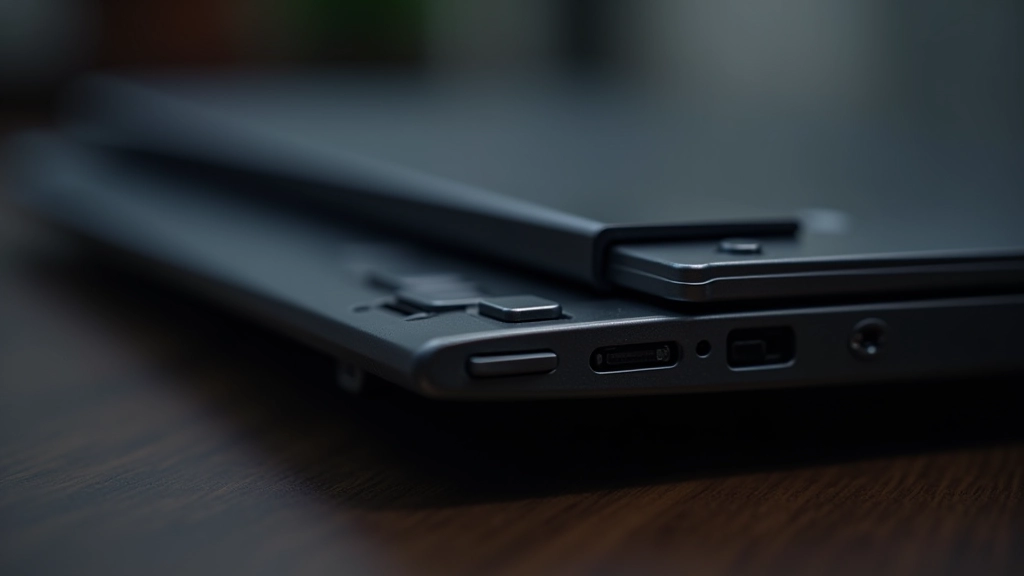
Port placement matters more than you'd think. Ports on the sides are better than rear ports — you're less likely to damage cables when the laptop's sitting on a desk. And USB-C ports with Thunderbolt support aren't luxury features for professionals handling large files regularly.
Note: This article is educational and informational. Laptop specifications and durability vary based on individual use cases. We recommend consulting manufacturer documentation and independent reviews specific to your security requirements before making purchasing decisions.

Encryption and Security Features
Here's where build quality meets actual protection. You could have the most durable laptop in the world, but if your data isn't secure, durability doesn't matter.
Look for hardware-based encryption. This means your drive has its own encryption processor — it's not relying on your CPU. TPM 2.0 (Trusted Platform Module) is non-negotiable for professionals. It stores encryption keys in a secure element that can't be accessed even if someone physically removes your hard drive.
BIOS/firmware security matters too. Your laptop's firmware should support secure boot and have the ability to lock down USB ports at the firmware level. Some models let you disable ports entirely — useful if you're worried about someone plugging in a USB device to extract data.
- Hardware-based SSD encryption (not software encryption)
- TPM 2.0 module for key storage
- UEFI firmware with secure boot capability
- Optional firmware password protection
Battery and Thermal Management
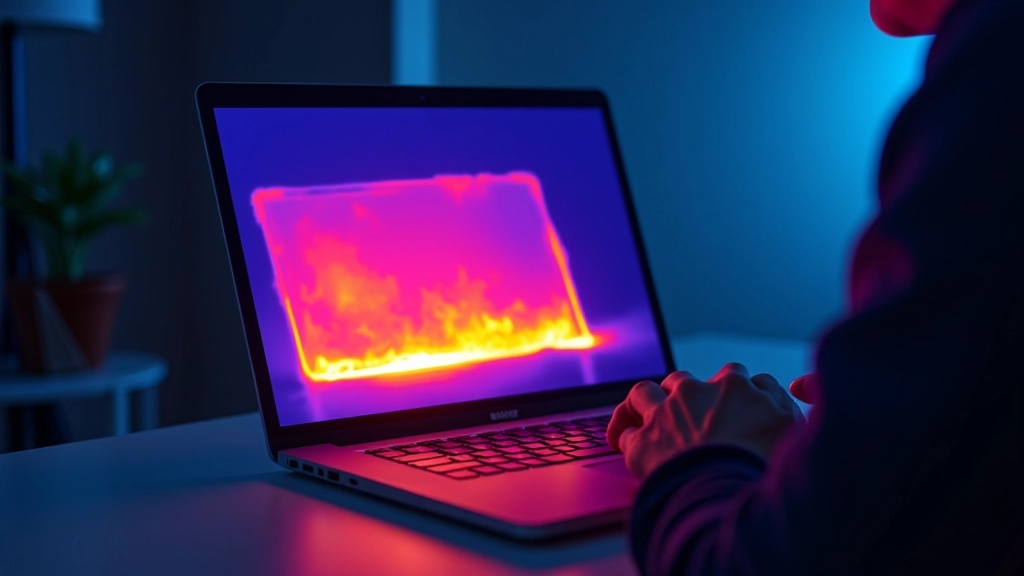
Rugged laptops get hot. They have to. Real processing power generates heat, and if you're in the field without air conditioning, thermal management becomes critical.
You'll want dual cooling fans with copper heat pipes — not aluminum. Copper conducts heat better. The keyboard should have strategic vent placement so hot air moves away from your hands. If a laptop gets too warm under the wrist rest, you'll notice battery degradation faster.
Battery capacity is straightforward: more milliamp-hours means longer runtime. But what matters is how the battery degrades. Lithium batteries lose capacity with every charge cycle. Good rugged laptops have battery management systems that limit charging to 80% when plugged in constantly — this extends battery lifespan by months.
8-12
hours typical runtime
45°C-55°C
optimal operating temp range
3-5
years battery lifespan

Real-World Testing Over Marketing Claims
Here's what we've learned after reviewing dozens of rugged laptops: manufacturer specs don't tell the whole story. A laptop might meet MIL-STD-810H on paper, but that doesn't mean it'll survive what you actually throw at it.
The most revealing test? Actual drop tests from desk height. If it survives a 90-centimeter fall onto concrete, it's probably solid. Sealed ports should genuinely repel liquid — not just for 30 seconds. Good rugged laptops can sit under running water for minutes without damage.
Keyboard durability matters more than you'd think. Professional models should handle 50+ million keystrokes without degradation. If keys start sticking after 6 months, that's not durability — that's planned obsolescence with a durability label.
"Don't trust the marketing. Look at what actual professionals in your field are using. If three-quarters of your peers use the same model, there's a reason. They've tested it in conditions you'll face."
— Field assessment feedback from Czech IT professionals
Making Your Decision
Choosing a rugged laptop isn't about finding the most expensive model or the one with the longest spec sheet. It's about matching the right durability features to your actual work conditions.
Start with what you need: If you're primarily working indoors but need security features, focus on encryption and TPM. If you're moving between locations constantly, prioritize build quality and battery management. If you're in genuinely harsh conditions, you need both.
Talk to professionals who've used these devices. They'll tell you what fails first and what lasts. That real-world feedback beats marketing every time.

Related Resources